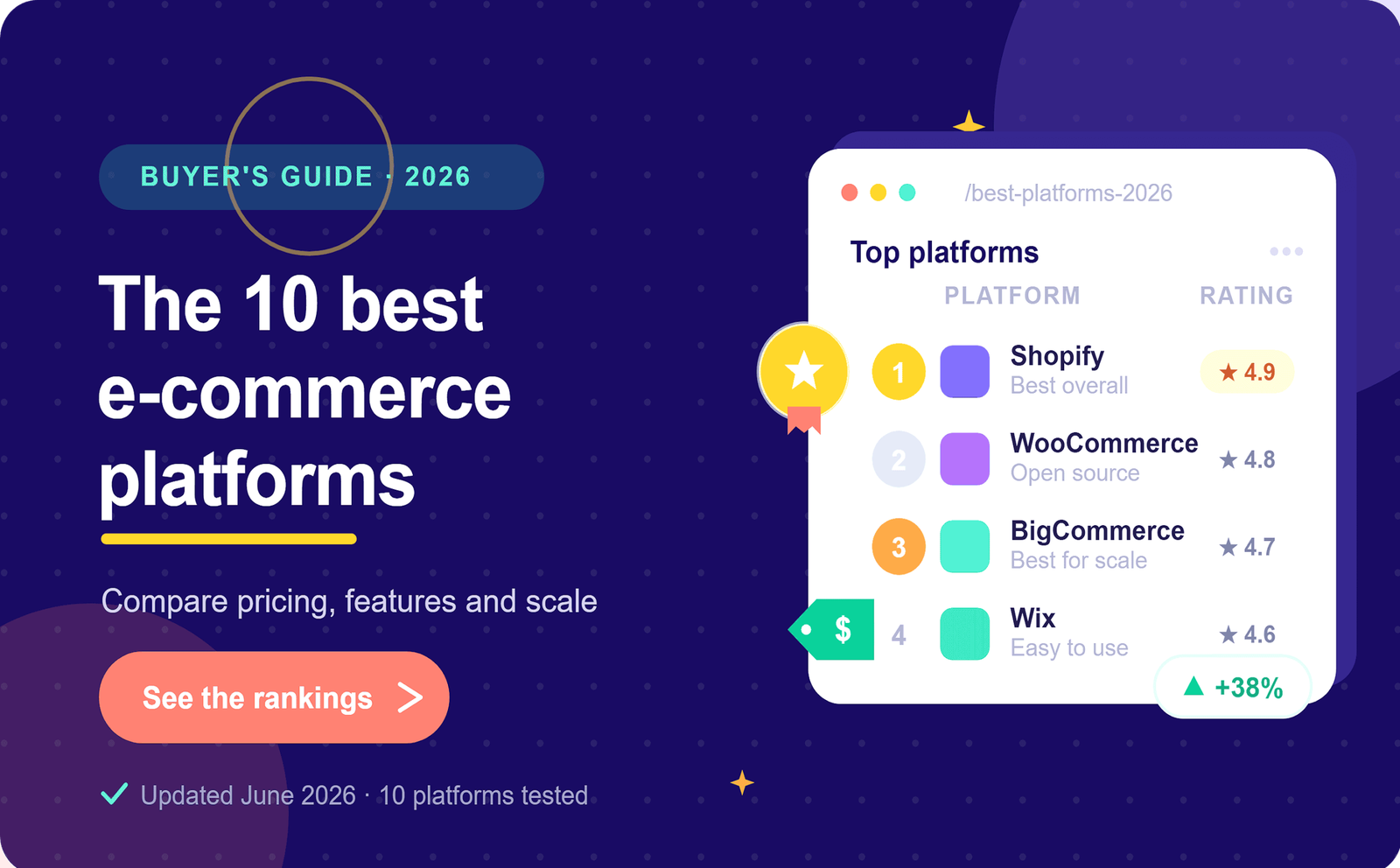
Launching an online store has never been easier. Thanks to modern e-commerce platforms, anyone can create a professional online business without needing advanced technical skills or a large budget. Whether you want to sell physical products, digital downloads, handmade goods, or subscription services, choosing the right platform is one of the most important decisions you’ll make.
With so many options available, beginners often feel overwhelmed. Some platforms focus on simplicity, while others offer advanced customization and powerful marketing tools. The best choice depends on your business goals, technical experience, budget, and plans for future growth.
This guide compares the best e-commerce platforms for beginners in 2026. We’ll examine their strengths, weaknesses, pricing considerations, and the types of businesses they suit best, helping you make an informed decision.
Why Choosing the Right Platform Matters
Your e-commerce platform is the foundation of your online business. It affects everything from website design and product management to payment processing, marketing, customer experience, and scalability.
A good platform should make it easy to:
- Build a professional-looking store
- Manage products and inventory
- Accept secure online payments
- Optimize for search engines
- Connect with marketing tools
- Track sales and customer data
- Grow as your business expands
Choosing the wrong platform can lead to unnecessary expenses, technical frustrations, and time-consuming migrations later.
What Beginners Should Look For
Before comparing platforms, it’s important to understand the key features that matter most for new online businesses.
Ease of Use
A beginner-friendly platform should allow you to build and manage your store without coding knowledge. Drag-and-drop editors, intuitive dashboards, and helpful setup guides can save hours of work.
Affordable Pricing
Many platforms offer entry-level plans, but remember to consider additional costs such as transaction fees, premium themes, apps, and payment processing charges.
Mobile Responsiveness
Most online shoppers browse and purchase products using smartphones. Your store should automatically adapt to different screen sizes.
SEO Features
Search engine optimization helps potential customers find your products. Look for platforms that support customizable URLs, meta descriptions, image optimization, and blogging capabilities.
Payment Options
Customers expect multiple payment methods. A good platform should support major credit cards, digital wallets, and regional payment providers.
Security
Security builds trust. Features such as SSL certificates, secure checkout, fraud protection, and automatic updates are essential.
1. Shopify
Shopify remains one of the most popular e-commerce platforms for beginners because it combines simplicity with powerful features.
Advantages
- Easy store setup
- Professional themes
- Reliable hosting included
- Excellent customer support
- Large app marketplace
- Built-in payment processing
- Strong inventory management
- Scales well as your business grows
Disadvantages
- Monthly subscription fees
- Premium apps can increase costs
- Some customization requires coding knowledge
Best For
- New entrepreneurs
- Dropshipping businesses
- Small and medium-sized online stores
- Businesses planning long-term growth
2. WooCommerce
WooCommerce is a flexible e-commerce solution built for WordPress websites. It offers extensive customization and full ownership of your store.
Advantages
- Free core plugin
- Highly customizable
- Excellent SEO capabilities
- Thousands of themes and plugins
- Large developer community
- Complete control over your website
Disadvantages
- Requires web hosting
- Beginners may face a steeper learning curve
- Responsible for updates and maintenance
Best For
- Bloggers
- Content-focused businesses
- Entrepreneurs wanting complete control
- Businesses planning extensive customization
3. Wix eCommerce
Wix has evolved into an excellent choice for beginners who value simplicity and attractive design.
Advantages
- Drag-and-drop website builder
- Beautiful templates
- Beginner-friendly interface
- Built-in marketing tools
- Integrated analytics
- Quick store setup
Disadvantages
- Less flexible than some competitors
- Advanced customization options are limited
- Large stores may outgrow the platform
Best For
- Small businesses
- Creative professionals
- Service providers
- First-time website owners
4. Squarespace Commerce
Squarespace is known for elegant website designs and user-friendly editing tools.
Advantages
- Modern templates
- Easy content management
- Integrated blogging
- Mobile optimization
- Built-in marketing features
Disadvantages
- Fewer third-party integrations
- Inventory features are less advanced
- Limited customization compared to WooCommerce
Best For
- Artists
- Photographers
- Designers
- Lifestyle brands
5. BigCommerce
BigCommerce offers enterprise-level features while remaining accessible to beginners.
Advantages
- No transaction fees on most plans
- Strong SEO tools
- Multi-channel selling
- Built-in analytics
- Scalable infrastructure
Disadvantages
- Slightly more complex interface
- Higher pricing for growing businesses
Best For
- Fast-growing businesses
- Businesses with large product catalogs
- International sellers
6. Ecwid
Ecwid allows you to add an online store to an existing website.
Advantages
- Easy integration
- Affordable plans
- Multi-platform selling
- Mobile management app
Disadvantages
- Limited customization
- Better suited for smaller stores
Best For
- Existing websites
- Small retailers
- Local businesses
7. Adobe Commerce (Magento)
Adobe Commerce offers powerful enterprise capabilities.
Advantages
- Extremely flexible
- Advanced customization
- Enterprise scalability
- Extensive feature set
Disadvantages
- High technical complexity
- Expensive implementation
- Not beginner-friendly
Best For
- Large enterprises
- Experienced development teams
Comparing Key Features
| Platform | Beginner Friendly | SEO | Customization | Best For |
|---|---|---|---|---|
| Shopify | Excellent | Excellent | High | Most beginners |
| WooCommerce | Good | Excellent | Excellent | WordPress users |
| Wix | Excellent | Good | Moderate | Small businesses |
| Squarespace | Excellent | Good | Moderate | Creative brands |
| BigCommerce | Very Good | Excellent | High | Growing businesses |
| Ecwid | Excellent | Good | Moderate | Existing websites |
| Adobe Commerce | Low | Excellent | Excellent | Large enterprises |
Factors to Consider Before Choosing
Your Budget
Calculate both your startup and ongoing expenses. Besides subscription costs, consider hosting, domain registration, premium themes, marketing tools, and transaction fees.
Technical Skills
If you have little technical experience, prioritize ease of use. Platforms with guided setup and visual editors help you launch faster.
Product Type
Different businesses have different needs.
Examples include:
- Physical products
- Digital downloads
- Subscription services
- Handmade products
- Print-on-demand
- Dropshipping
Choose a platform that supports your business model.
Future Growth
Think beyond your first few months. Select a platform that can handle increasing traffic, product catalogs, and international expansion without requiring a complete migration.
Essential Features Every Online Store Should Have
Regardless of the platform you choose, your online store should include:
- Fast loading pages
- Mobile-friendly design
- Secure checkout
- High-quality product images
- Detailed product descriptions
- Customer reviews
- Simple navigation
- Clear return policy
- Contact information
- Frequently Asked Questions (FAQ)
These features improve customer confidence and can increase conversion rates.
Tips for Success After Launching
Building your store is only the beginning. To attract visitors and generate sales, focus on:
- Publishing helpful blog content
- Learning SEO best practices
- Building an email list
- Using social media consistently
- Monitoring website analytics
- Improving page speed
- Testing product pages
- Offering excellent customer support
Successful e-commerce businesses continuously refine their websites based on customer feedback and performance data.
Common Mistakes Beginners Make
Avoid these common pitfalls:
- Choosing a platform based only on price
- Ignoring SEO from the beginning
- Using poor-quality product images
- Complicating the checkout process
- Forgetting mobile optimization
- Not testing payment systems
- Neglecting customer service
- Failing to back up important website data
Learning from these mistakes early can save time and money.
Final Thoughts
The best e-commerce platform for beginners in 2026 depends on your goals, experience, and budget. If you want an easy all-in-one solution, Shopify is an excellent starting point. If you already use WordPress and value flexibility, WooCommerce offers unmatched customization. For visually appealing websites with simple editing tools, Wix and Squarespace are strong choices, while BigCommerce is ideal for businesses planning rapid growth.
Instead of searching for the “perfect” platform, choose one that meets your current needs and supports your future plans. A well-designed store, high-quality products, valuable content, and consistent marketing will have a far greater impact on your success than the platform itself.
The most important step is to get started. Launch your store, learn from your customers, and continue improving your business over time. Every successful online brand began with a single decision to take action.